
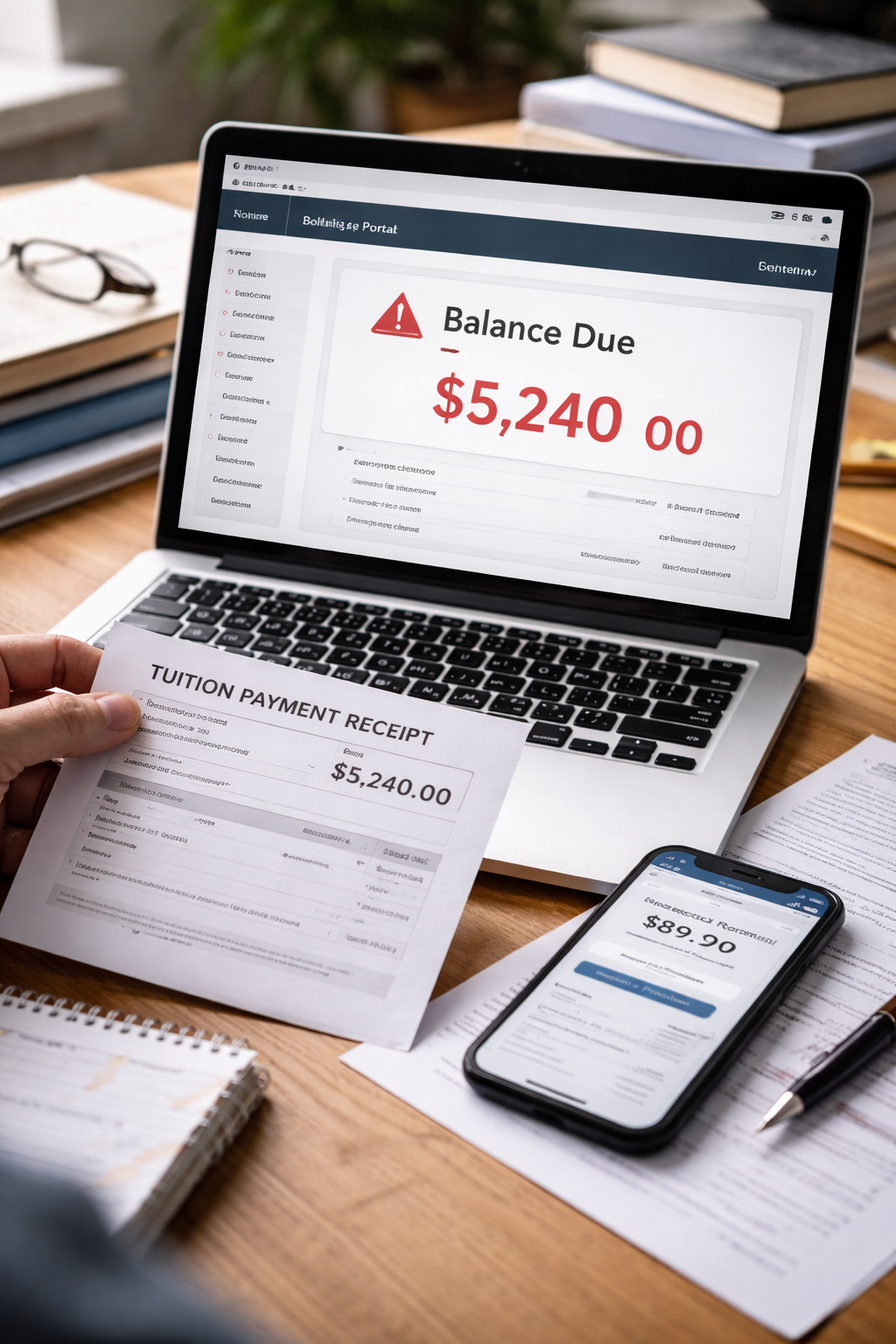
Billing portal not updating after tuition payment is the kind of problem that makes you refresh a screen more times than you want to admit. You did the responsible thing. You paid. You saw the confirmation. You watched the “Thank you” page load. Then you checked your student account again — and the balance still sat there like nothing happened.
At first, you tell yourself it’s normal. Systems need time. Payments “process.” But the longer the number stays unchanged, the more the worry shifts from “delay” to “consequence.” Because in college, a billing screen isn’t just a screen — it’s permission to register, access housing, pick up transcripts, or clear graduation. A billing portal not updating after tuition payment situation can feel small until it threatens something big.
This article is for U.S. college students and families (college category) dealing with tuition payments and student account portals. It’s general information, not legal advice. The goal is to help you stabilize your account quickly, create a clean proof trail, and avoid avoidable holds or late fees.
If your immediate fear is “I paid but I still can’t register,” start with this related guide early — it matches what many students experience when the portal lags.
What “Not Updating” Usually Means in College Billing Systems
A billing portal not updating after tuition payment problem is often not about your payment failing — it’s about how college systems record, post, and reconcile payments.
Most schools run a chain of systems that don’t update at the same time:
• A third-party payment processor (where your payment is captured)
• Your bank’s settlement timeline (when funds actually clear)
• The bursar/student account system (where charges and credits post)
• The registration system (which checks your “eligibility” flags)
So you can have a real payment in the real world while the portal still shows a balance due.
That’s annoying — but it’s also predictable. The best outcomes come from doing the right things in the right order, not from panicking or waiting silently.
Case Split: Pinpoint Your Exact Portal Situation Fast
Choose the scenario that matches yours. This changes what you do next.
A — You paid today (0–24 hours)
Portal may lag. Settlement may still be pending.
→ Best move: document and wait briefly, not silently.
B — Your bank shows the charge as “pending”
The school may not post until settlement clears.
→ Best move: capture proof + check posting policy.
C — Your bank shows “posted/cleared” but portal didn’t change
Now the school should be able to locate it.
→ Best move: structured email to bursar with details.
D — The portal updated, but the wrong term/semester is credited
Common around summer/fall transitions.
→ Best move: request reallocation.
E — You see a “hold” banner or registration warning
This is no longer a simple delay.
→ Best move: escalate politely and quickly.
F — Payment shows “reversed” or “returned”
Treat as urgent: returned payments can trigger blocks fast.
→ Best move: verify with bank + school same day.
Most students lose time because they don’t match the case correctly.
Every step below is designed to help you resolve a billing portal not updating after tuition payment issue without creating new problems (like duplicate payments or confusing messages).
The 12-Minute Proof Pack That Makes Schools Respond Faster
If you contact a bursar office with “My portal isn’t updating,” you’ll often get a slow, generic reply. If you contact them with a clean proof pack, you usually get faster resolution.
Create your Proof Pack (save as a single folder or PDF)
✔ Payment confirmation page screenshot (date/time visible)
✔ Receipt PDF or confirmation email
✔ Bank screenshot showing pending vs posted
✔ Student ID and term (Fall 2026, Spring 2027, etc.) written clearly
✔ Payment method (ACH, debit, credit card, wire, 529, third-party sponsor)
✔ Any error message from the portal
This turns your message into an account lookup request, not a complaint.
When a billing portal not updating after tuition payment issue is treated like a searchable transaction instead of an emotional situation, the timeline improves.
Why Colleges Sometimes Don’t “Post” Even After You Paid
Here are the most common mechanics behind delays — and why they matter:
ACH/Bank transfer verification: ACH can take multiple business days. Some schools wait until it fully clears to post credit.
Batch posting: Many bursar systems post payments in batches overnight, not instantly.
Identity matching errors: A wrong student ID, typo in name, or parent payment from a different profile can cause misrouting.
Term allocation: Payments can land in a “general credit” bucket or the wrong term.
Concurrent aid adjustments: Financial aid recalculations can temporarily offset or mask the portal display.
None of these mean you did something wrong. They mean you need a disciplined process.
Case Split Box: Your Payment Method Changes the Timeline
Match your payment method:
Credit/Debit Card
Often appears fast, but posting can still lag 24–72 hours.
ACH / eCheck
Can take several business days. Some schools won’t “credit” until cleared.
Wire Transfer
May arrive quickly, but proof and matching details are critical.
529 Plan Payment
Often slow and paperwork-heavy. Posting may require manual confirmation.
Employer / Sponsor Payment
Usually not immediate. School may post after sponsor invoice reconciliation.
If you paid with ACH or 529, waiting 1–2 days may be normal — but you should still document today.
A billing portal not updating after tuition payment issue is often a timeline mismatch between how you paid and how the school posts.
The Email That Gets Your Account Found (Instead of Ignored)
Here’s a template that works because it gives the bursar what they need to search:
Subject: Tuition payment made on [date] — portal balance still shows due
Message:
“Hello, I submitted a tuition payment on [date/time] for [term]. My billing portal still shows a balance due. I’m attaching confirmation and bank details. Could you please verify that the payment is located and advise whether my account is in good standing for registration?”
This is respectful, specific, and designed for resolution.
If You See a Hold Warning, Treat It as Time-Sensitive
Some holds are automatic. They don’t wait for you to feel ready.
If your billing portal not updating after tuition payment situation is already showing a hold banner, learn what a hold can block and what offices typically control removal.
The key is to get written confirmation that your payment is recognized — even if the portal display lags.
The Two Mistakes That Make Students Pay Twice
When a portal doesn’t update, the instinct is to pay again “just in case.” This often creates the worst outcome: overpayment, refunds, delays, and confusion.
Mistake 1: Paying a second time before verification
This can create a credit balance that takes weeks to refund.
Mistake 2: Disputing with the bank immediately
A bank dispute can reverse the payment and trigger enforcement flags or returned-payment holds.
Verify first. Escalate second. Reverse last.
Case Split Box: What to Do If the Payment Was Reversed or Returned
If your bank shows “reversed/returned”:
1) Call the bank to ask why (insufficient funds, verification issue, ACH rejection code).
2) Ask the school whether the payment is marked “returned” in their system.
3) Request a short window to re-pay without penalty once the cause is clarified.
4) Avoid re-paying until you know the correct method to prevent a second return.
Returned payments can trigger holds quickly — handle this the same day.
If you suspect reversal is causing enrollment blockage, this related scenario explains how payment reversals can impact access.
Official Reference
For a reliable, official overview of federal student aid systems and how college funding processes typically work (which can affect account timing), this is a high-trust starting point.
Even if your issue is not “aid,” understanding the system helps you speak the school’s language.
Key Takeaways
• billing portal not updating after tuition payment is often a posting delay, not a failure.
• Your best tool is a Proof Pack: confirmation + bank status + term details.
• Payment method matters; ACH/529 can be slower than card payments.
• Do not pay twice before verification.
• If a hold appears, escalate quickly and request written confirmation.
FAQ
How long should I wait before contacting the bursar?
If it’s under 24 hours and no deadlines are near, short waiting can be normal. If registration is close, contact sooner with proof.
My bank shows the payment posted. Why does the portal still show a balance?
Posting and portal display may be separate. The bursar system may batch post or need matching verification.
Should I dispute the charge with my bank?
Not as a first move. Bank disputes can trigger reversals and holds. Verify with the school first.
What if my payment went to the wrong semester?
Request “reallocation” to the correct term. Provide the term name clearly in your message.
Can this block registration or transcripts?
Yes. Many schools trigger automatic blocks based on portal status, which is why early verification matters.
Conclusion
A billing portal not updating after tuition payment glitch feels personal because it threatens your schedule and your access — but it’s usually procedural. The students who avoid holds aren’t lucky. They’re organized.
Your next move is clear: build your Proof Pack, contact the bursar with a searchable request, and secure written confirmation that your account is in good standing. Don’t pay twice. Don’t panic-dispute. Stabilize the record first — then move forward with confidence.